
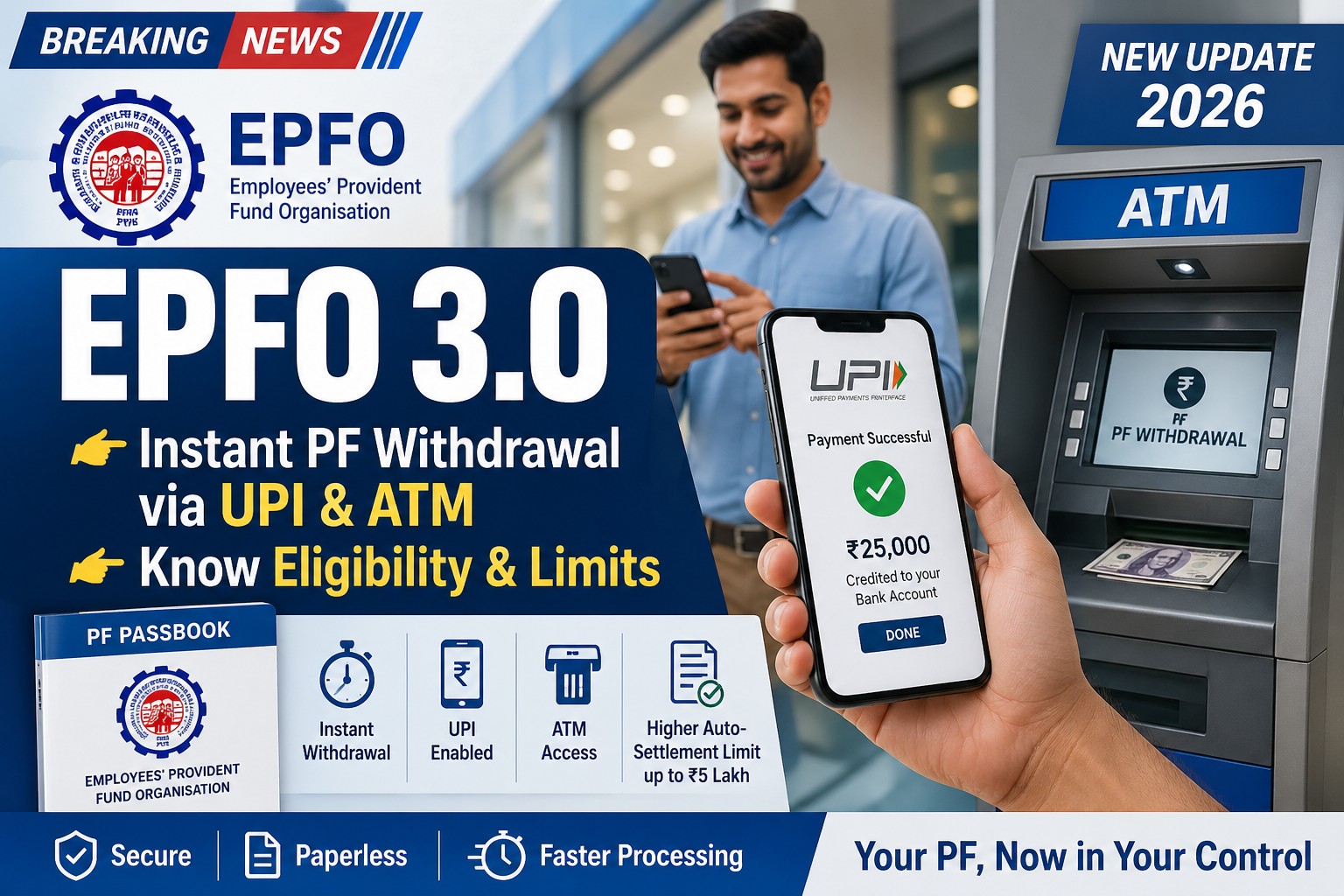
The Employees’ Provident Fund Organisation (EPFO) is introducing a major upgrade called EPFO 3.0, expected to roll out by mid-2026.
This new system aims to make Provident Fund (PF) withdrawals instant, digital, and hassle-free, similar to using a bank account.
Under EPFO 3.0, users will be able to withdraw PF money via UPI apps and ATMs, reducing processing time from days to just minutes.
Key Features of EPFO 3.0
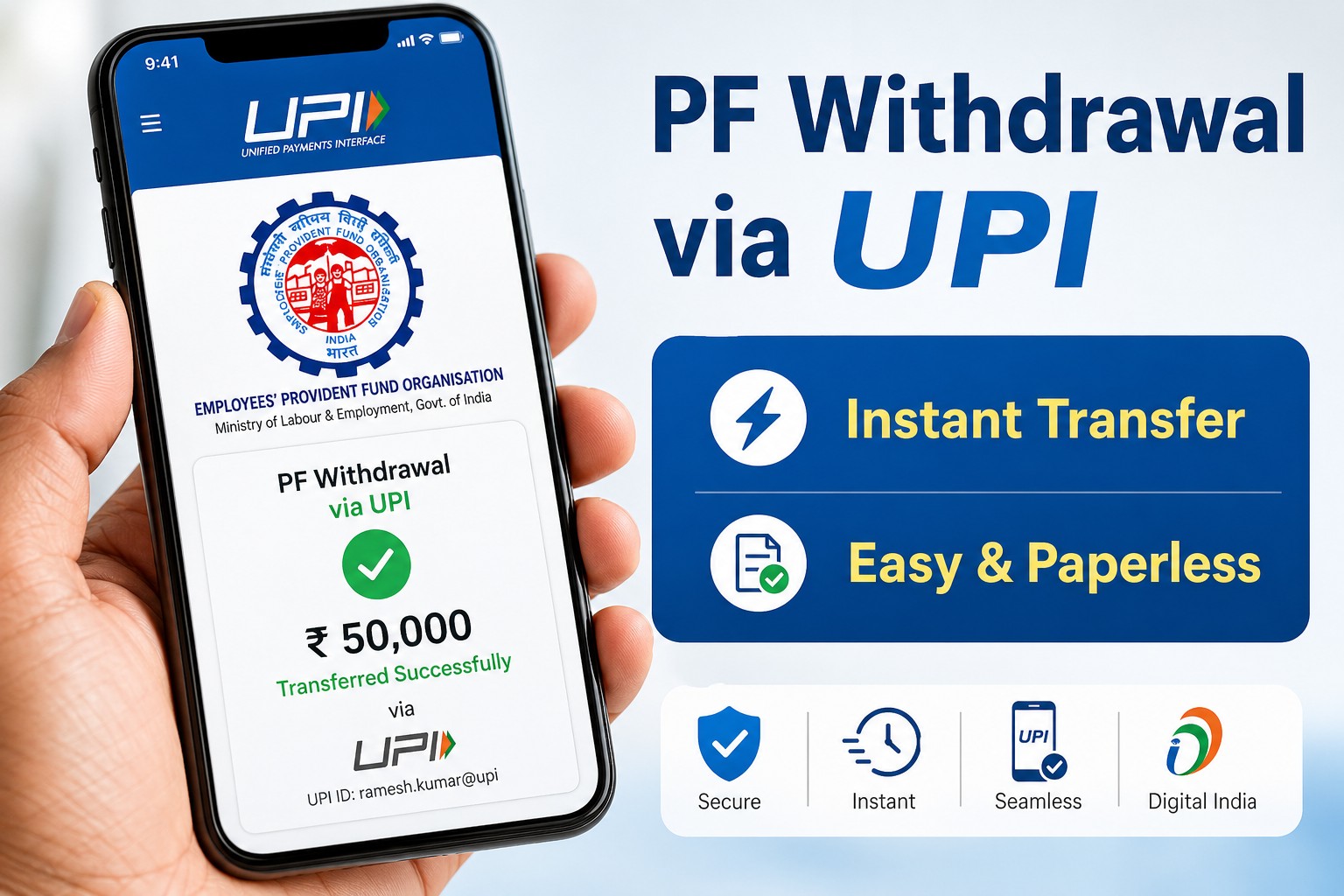
1. Instant PF Withdrawal via UPI
- Withdraw PF directly using apps like Google Pay, PhonePe, or Paytm
- No need to wait for 3–7 days approval
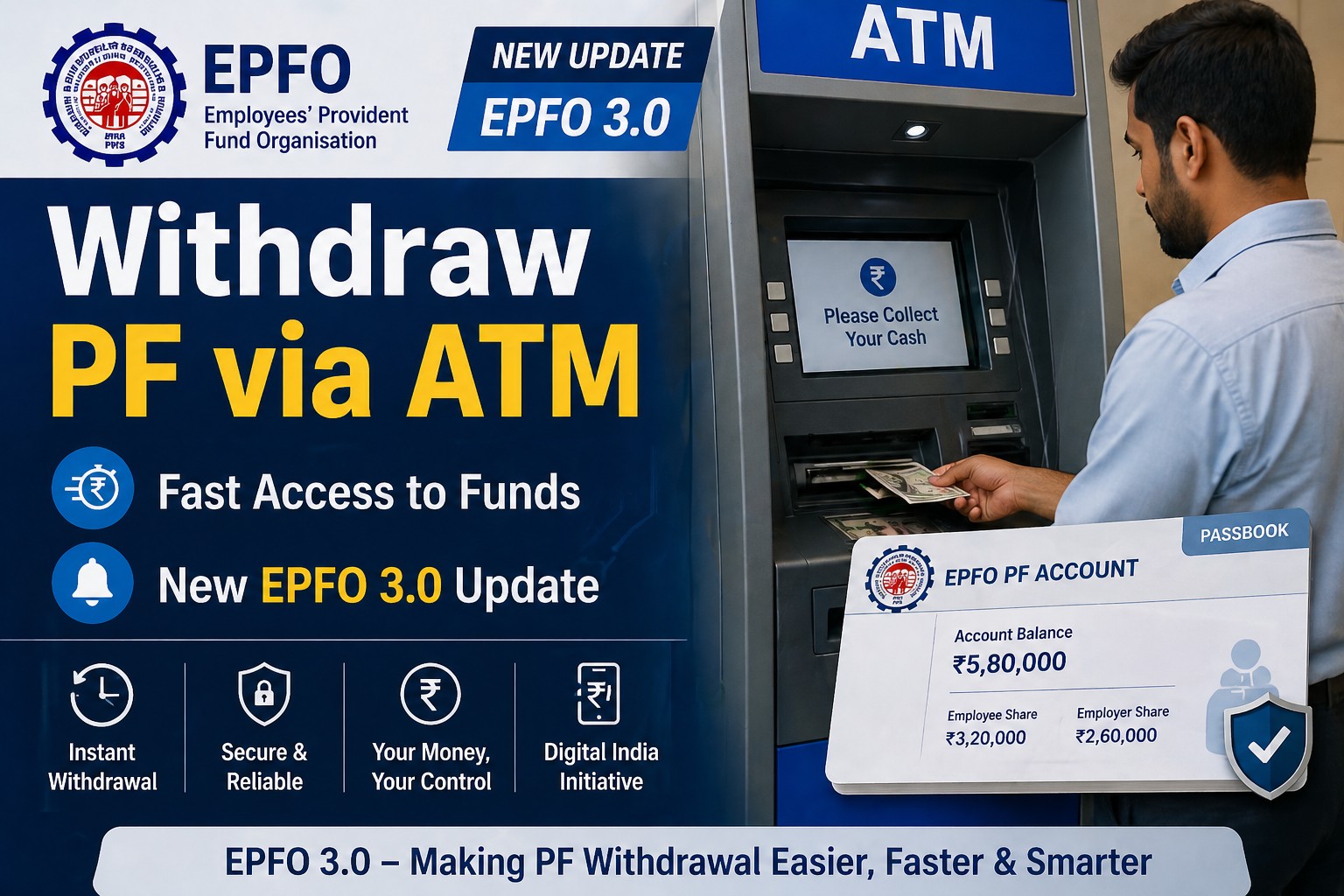
2. PF Withdrawal via ATM
- Withdraw PF like cash using ATM machines
- Likely through EPFO-linked debit or special authorization system
3. Increased Auto-Settlement Limit
- Auto-approved withdrawals up to ₹5 lakh
- Faster processing without manual intervention
4. Paperless & Simplified Process
- Reduced employer verification
- Fewer forms and withdrawal categories
Eligibility for PF Withdrawal via UPI & ATM
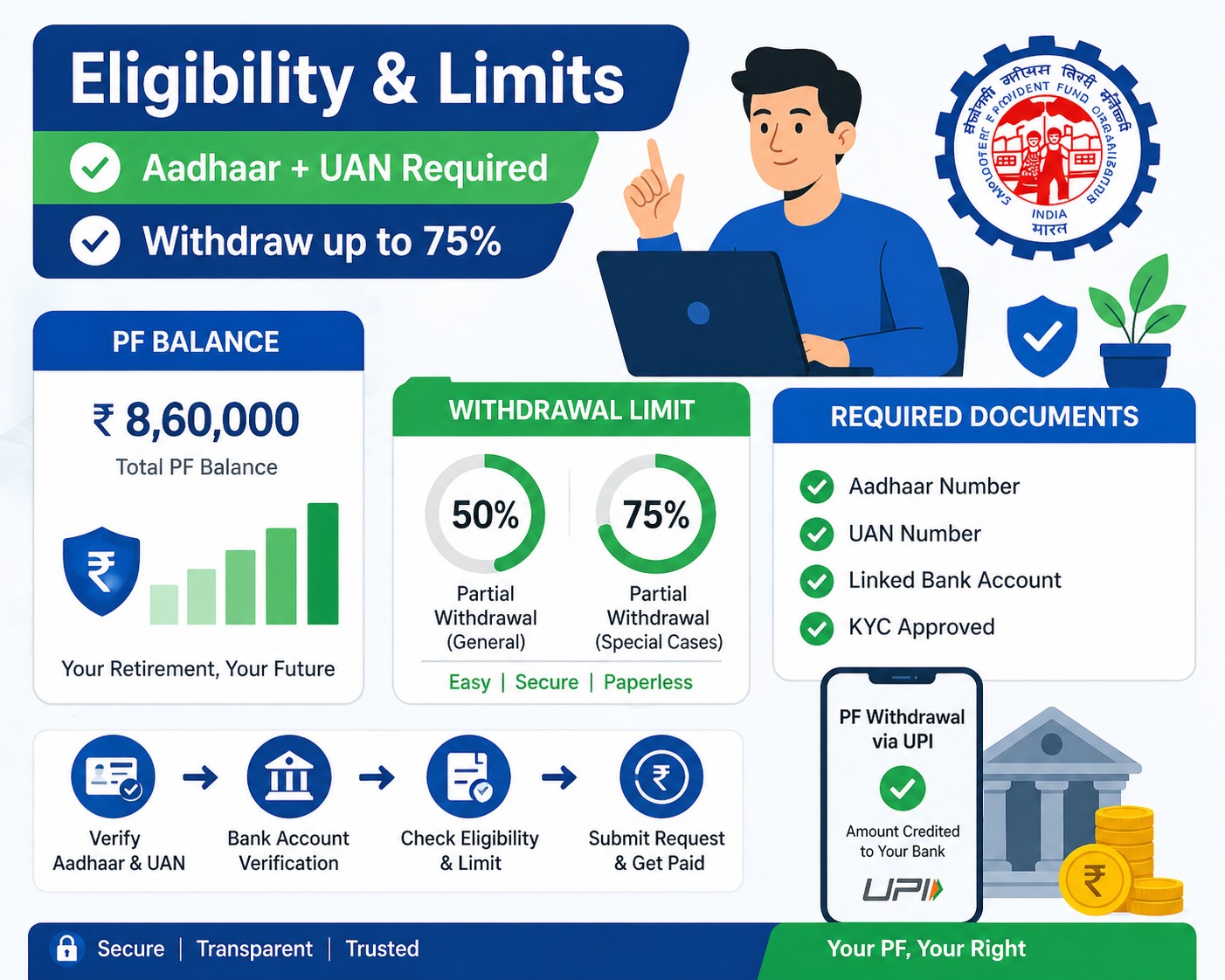
To use instant PF withdrawal features, you must meet these conditions:
Mandatory Requirements
- Active UAN (Universal Account Number)
- Aadhaar linked with EPFO
- Bank account linked with UAN
- Mobile number registered for OTP
Who Can Withdraw PF?
You can withdraw PF under specific conditions:
- Medical emergencies
- Marriage or education
- Home purchase or construction
- Unemployment
Full withdrawal is allowed only:
- After retirement
- Or after 2 months of unemployment
PF Withdrawal Limit via UPI & ATM
Overall Withdrawal Limit
- Typically 50% to 75% of total PF balance
- Remaining amount stays for retirement security
UPI Transaction Limit
- Around ₹25,000 per transaction (initial phase)
- May increase to ₹1 lakh/day later
ATM Withdrawal Limit
- Daily limits similar to bank ATM withdrawals
- Exact limits will depend on final EPFO rollout
Auto-Settlement Limit
- Up to ₹5 lakh processed instantly
Example
If your PF balance is ₹5,00,000:
- You may withdraw:
- ₹2,50,000 (50% rule)
- OR up to ₹3,75,000 (75% rule)
But:
- UPI limit → ₹25,000 per transaction
- You may need multiple transactions
How to Withdraw PF via UPI (Step-by-Step)
- Open your UPI app (Google Pay / PhonePe / Paytm)
- Select EPFO withdrawal option (expected feature)
- Enter UAN or select linked account
- Verify with OTP
- Enter withdrawal amount
- Submit request
Money will be credited instantly or within a few hours
How to Withdraw PF via ATM
- Visit an EPFO-enabled ATM
- Insert your linked card or authenticate
- Select PF Withdrawal option
- Enter amount
- Confirm with OTP/PIN
- Collect cash
Important Rules to Remember
- You cannot withdraw full PF anytime
- Partial withdrawal only (except retirement/unemployment cases)
- Frequent withdrawals can reduce retirement savings
Benefits of EPFO 3.0
- Instant access to funds
- No paperwork
- Reduced dependency on employer
- Fully digital experience
Disadvantages
- Easy withdrawals may reduce long-term savings
- Users may misuse PF for short-term needs
Final Thoughts
EPFO 3.0 is a game-changing reform that transforms PF into a more accessible and user-friendly system.
However, while instant withdrawals via UPI and ATM offer convenience, it’s important to remember that PF is primarily meant for retirement security.